Orb Gaming - A Retro Lover’s Paradise
Take a trip down memory lane with some of the best orb games around. From old school consoles, to ones equipped with the latest technology, you can truly relive the best moments of your 90s nostalgia. Interestingly, the best online casinos have game sections where you can enjoy Retro-themed slots from top software providers in the iGaming industry.
Nothing Beats the Classics
The year 1909 marked the release of the very first Skee Ball game. Whilst they were originally 36 feet long, by 1928, they were reduced in size so that more people can play.
By 1931, we were introduced to the first coin-operated machine. Baffle Ball paved the way for the iconic pinball machines. Since at the time gambling wasn’t legal in all States, by 1947, flippers were added to the pinball machines so that people would focus more on the skill and robotics of the game.
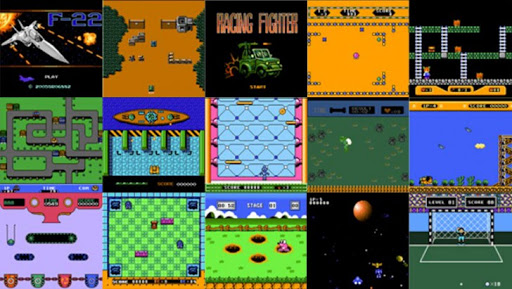
During the early 70s, we were then introduced to Galaxy Game (1971) – the very first coin-operated video game. Soon after, Pong (1972) started making waves and became the first commercially successful video game.
While more games have been designed throughout the years, today’s games are a far cry from Golden Age classics such as Space Invaders (1987), Asteroids (1979), Pac-Man (1980) and of course the Super Mario series (1985).
Right in the Palm of Your Hand
As children, all of us must have to at least one arcade in our lives. Who knows how many hours we must have spent playing more arcade classics like Donkey Kong (1981), Robotron (1982), Arkanoid (1986)?! Not to mention an ultimate fan favorite like Super Mario Bros.?
So, imagine this. Imagine having all of these games and more right in your pocket? That’s right! You can easily have your own mini arcade machine right in the palm of your hand.
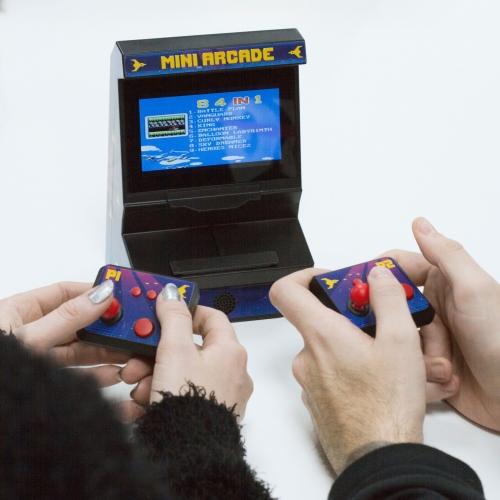
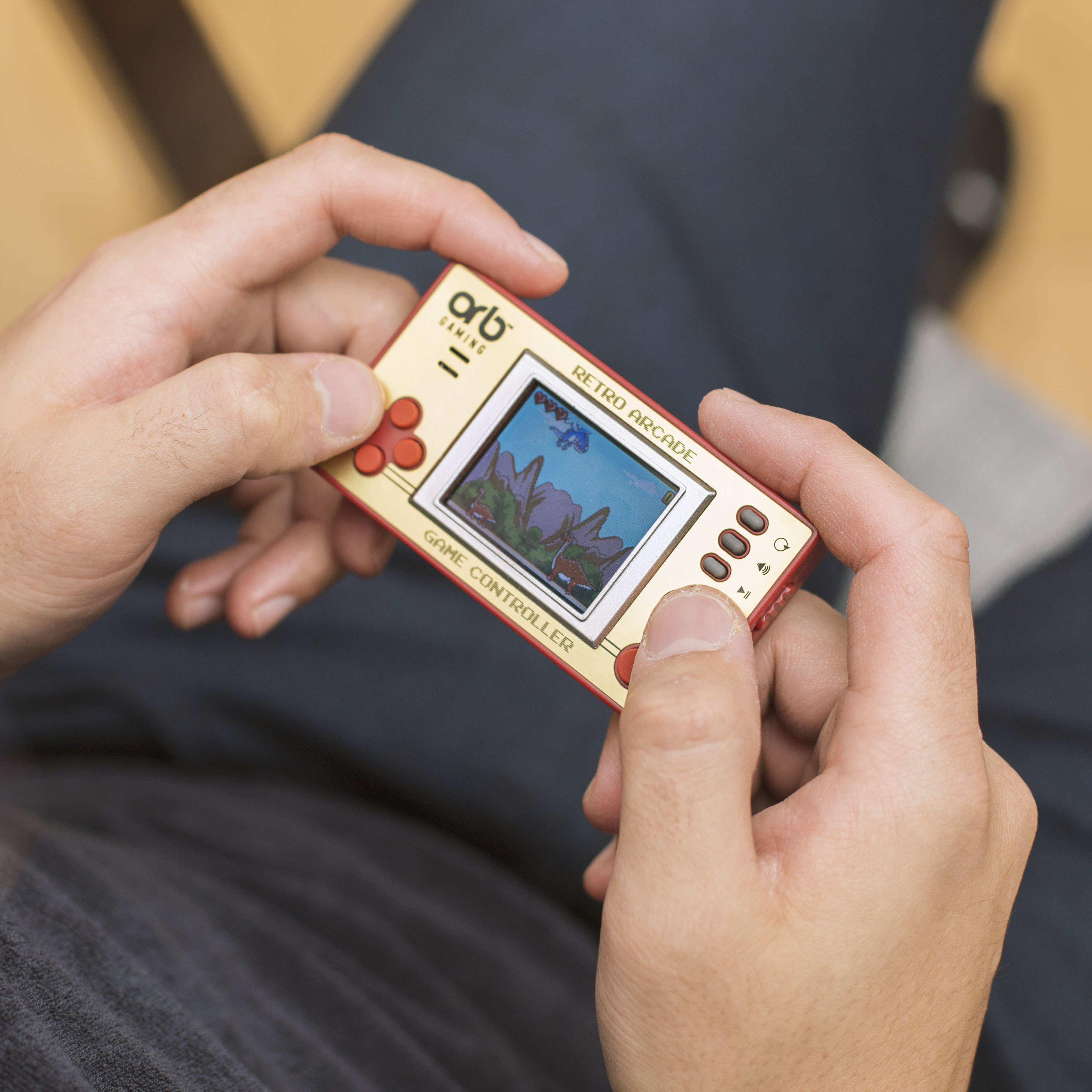
Handheld Consoles, Pocket Games, TV Games and More!
The choice is endless. Nowadays, lots of manufactures are producing a wide range of consoles where you can enjoy the very best retro games anytime, anywhere. So which option should you choose? There’s no right or wrong here – it all depends on your preferences.
Taking handheld consoles and mini arcade machines, these would be perfect for someone who’s looking for the ultimate retro dream. Mini sized arcade machines? We’ll take the lot please!
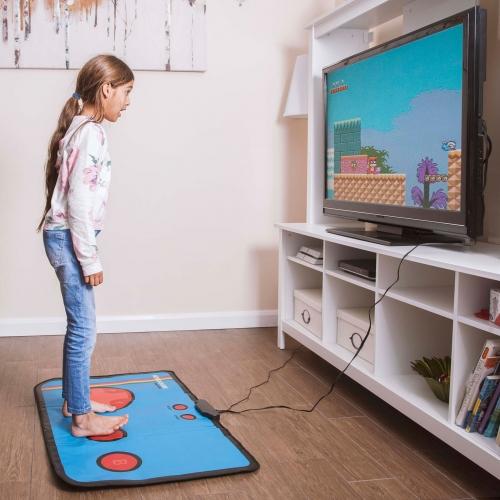
On the other hand, if you’re on the look out for something that the whole family can enjoy, why not opt for a retro gaming mat or a TV console game? Everybody loves a dose of friendly competition here and there. On top of that, all family members will get a chance to play. In this way, you can keep everybody happy!
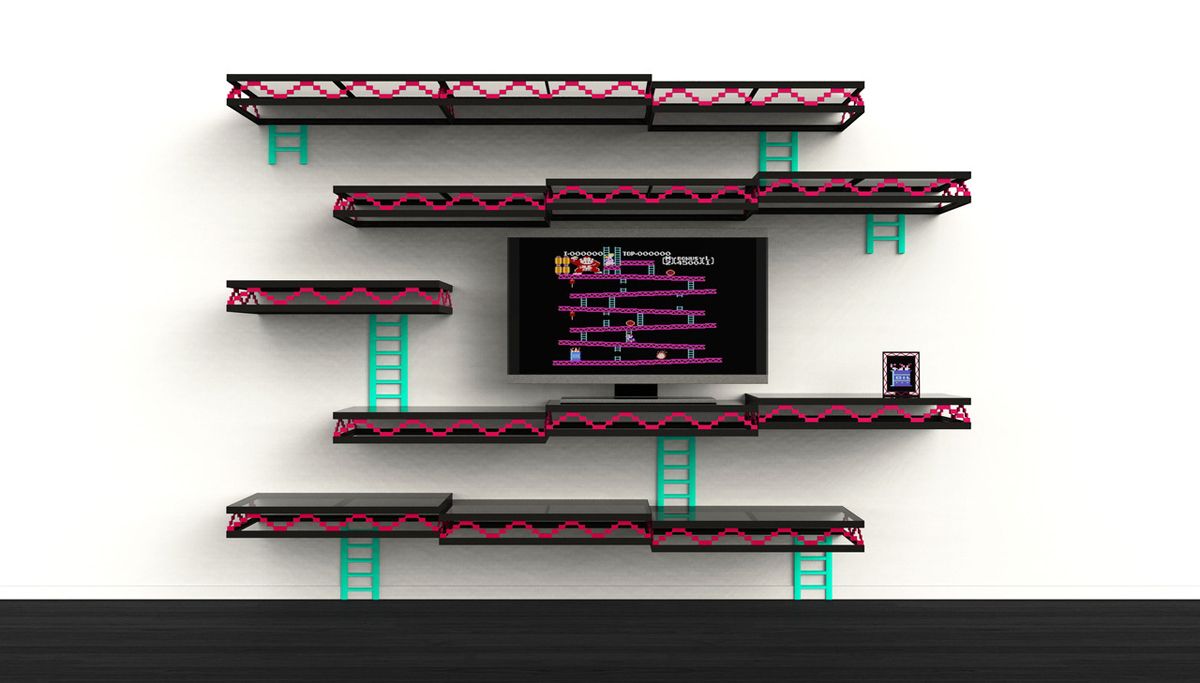
Best of all, if you have your very own Batcave, why not add some arcade-themed home décor to it? You’ll be surprised at how many manufacturers are creating so many novelty items. From mugs, coasters, carpets to even bigger projects such as furniture and signs, there’s something for everyone.
Retro Gaming is Here to Stay
These were the games that shaped our childhood. They are the games that shaped the future. Truly nothing beats the classics!